
January 2024: Excel Macros & VBA School
1. The Offer
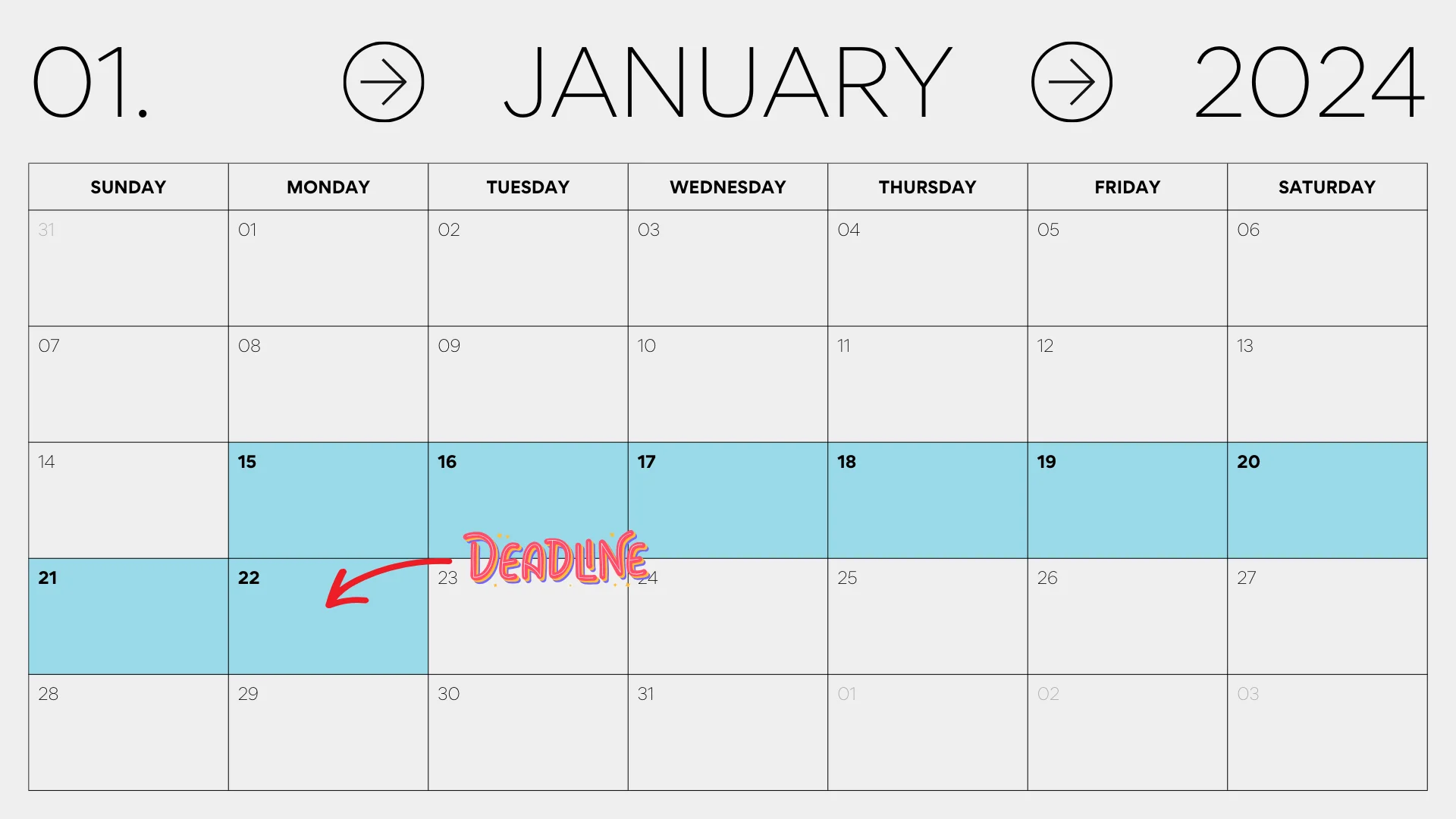
Promotion Period: Mon, Jan 15 → Mon, Jan 22 (23:59 Pacific Time)
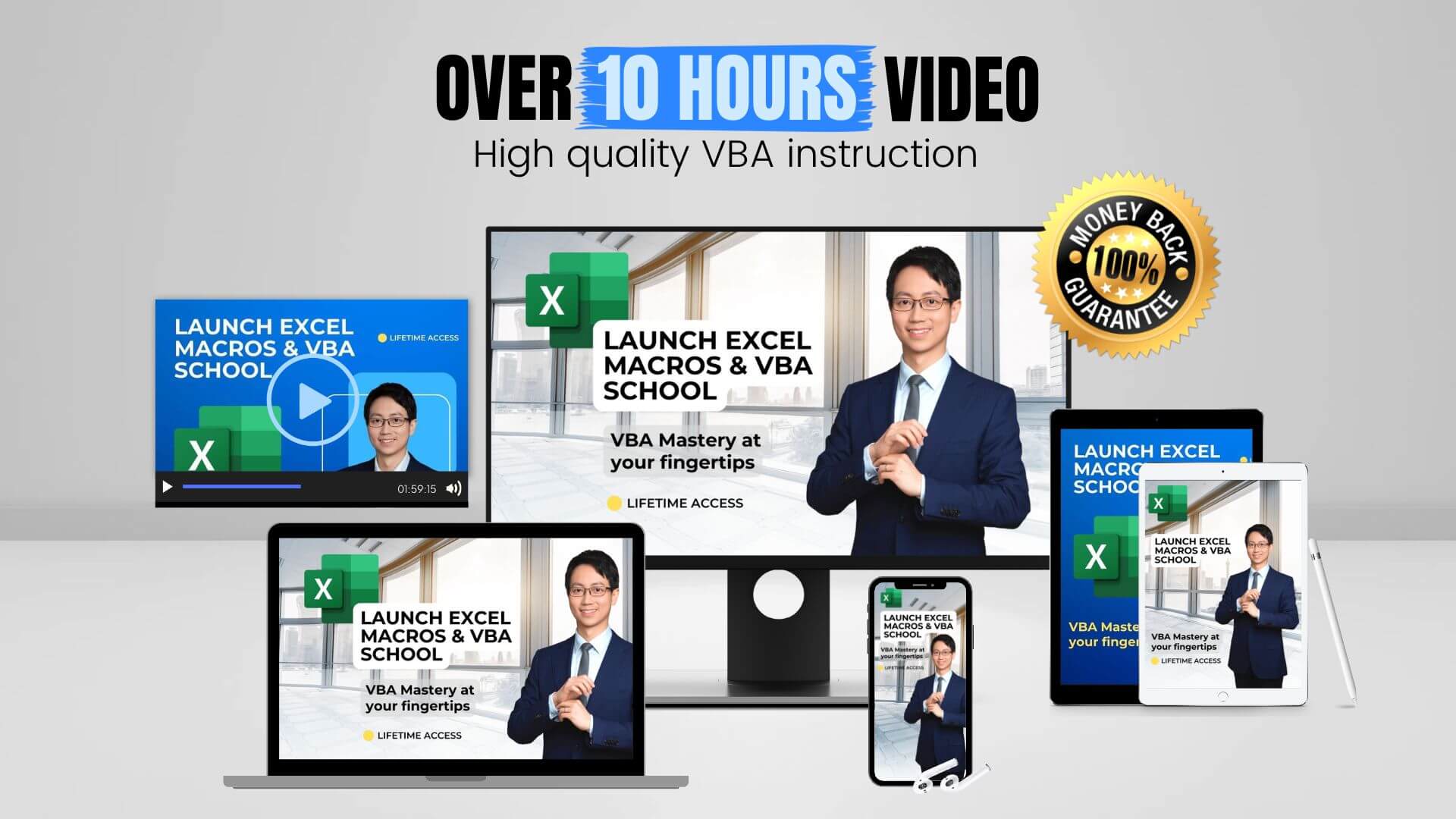
Product: Online Course "Launch Excel Macros & VBA School"
Offer Price: $297 (saving of $200 vs. list price $497)
Order Bump: $97 Download Pack
Guarantee: 30-day 100% money-back guarantee
Marketplace Link:Systeme.io Marketplace → Launch Excel Macros & VBA School
2. The Timing
3. Program Details
1. Online Course Sale
When a lead buys the online version of the course they pay $297.
Total Revenue Per Sale: $297
Affiliate Commission: 50%
Affiliate Revenue Per Sale: $148.50 E.g. 10 sales = $1,485 affiliate commissions
2. Online Course Sale + Download Pack
A lead can buy the optional Download Pack for $97.
They do this by checking the order bump box on the checkout page.
The Download Pack gives them offline access to all course materials.
And it has an exclusive 100-page PDF. This has lesson summaries for quick reference.
You earn commission on both purchases.
Total Revenue Per Sale: $297 + $97 = $394
Affiliate Commission: 50%
Affiliate Revenue Per Sale: $197 E.g. 10 sales = $1,970 affiliate commissions
3. Affiliate Program Payouts
Everyone who buys through your link gets a lifetime tag.
This means you earn commission on what they buy now plus anything they buy in the future, as long as it is part of the program.
The system creates invoices every month on the 10th. Please allow us up to five days to check and process your payment.
You'll get a payout when you meet these conditions:
- You fill out your profile with the correct details.
- The payment is over $30.
- The time from sale to payout is over 30 days. (*)
* This is because we give a 30-day money back guarantee
4. Email Campaign
We recommend sending 2 or 3 emails with your links to the sales page.
They can be plain text emails with links to the sales page. You can include images, but they aren't necessary.
Email 1: Announce the offer and highlight the key benefits
Email 2: Share student testimonials to build trust
Email 3: Send friendly reminder of the deadline
Most sales happen on the day of the deadline. So it's helpful to send a friendly reminder.
If you only send two emails, it's best if one of them is on the morning of the deadline.
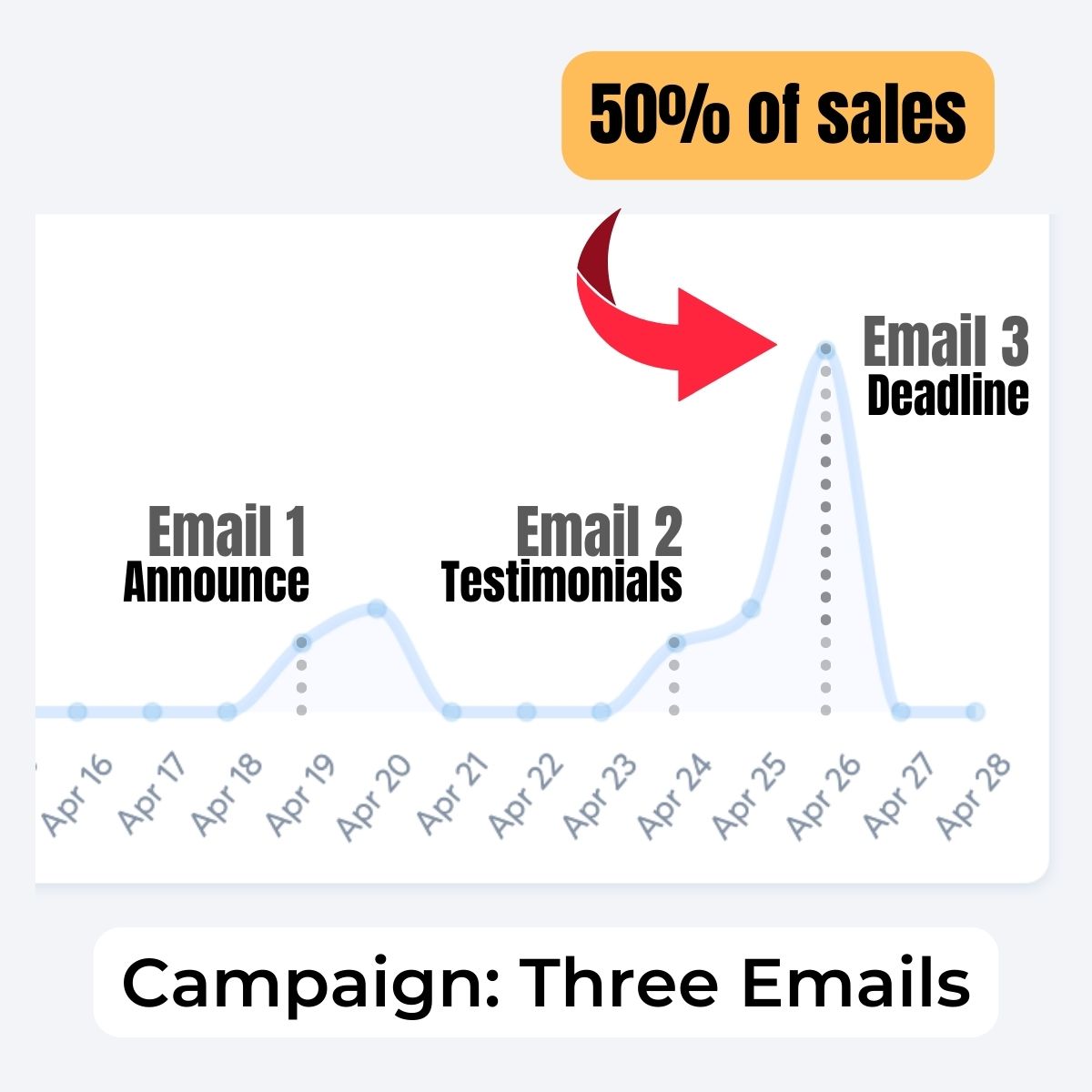
This chart shows actual results from an affiliate campaign.
All three emails helped to make the promotion successful. In our experience, 50% of all sales happen on the last day.
The key is to get your subscribers to click on the sales page link so they can check out the course and make the right decision.
5. Sales Funnel Pages
Sales Page (remember to add your affiliate link /?sa={affiliate ID} )
Order Form (discount coupon: n/a)
Thank You Page (students get an automated email with login details)
Contact Form (for general inquiries)
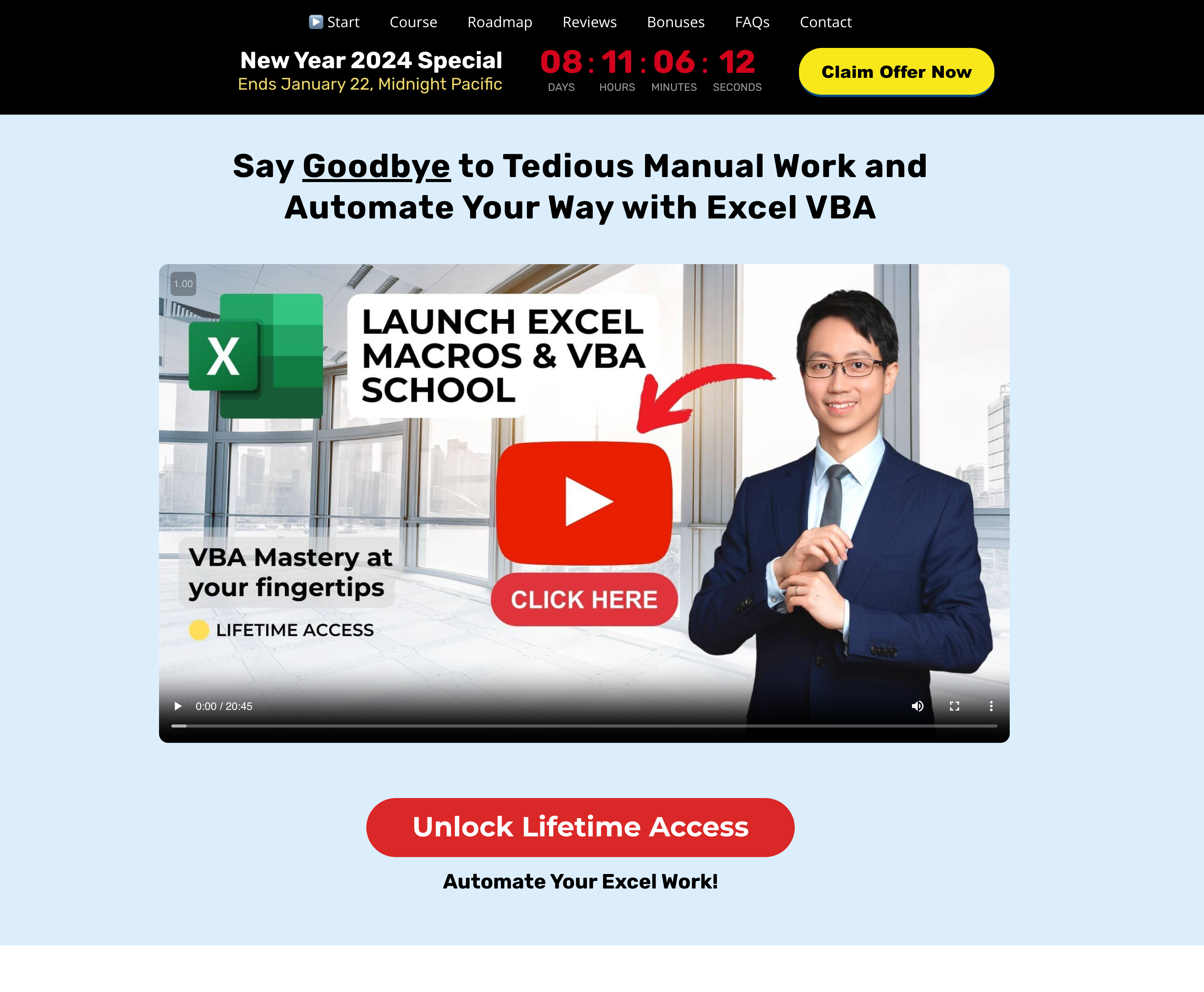
A/B Split Test
Ver A - Feb 2023 Sales Page (Dark)
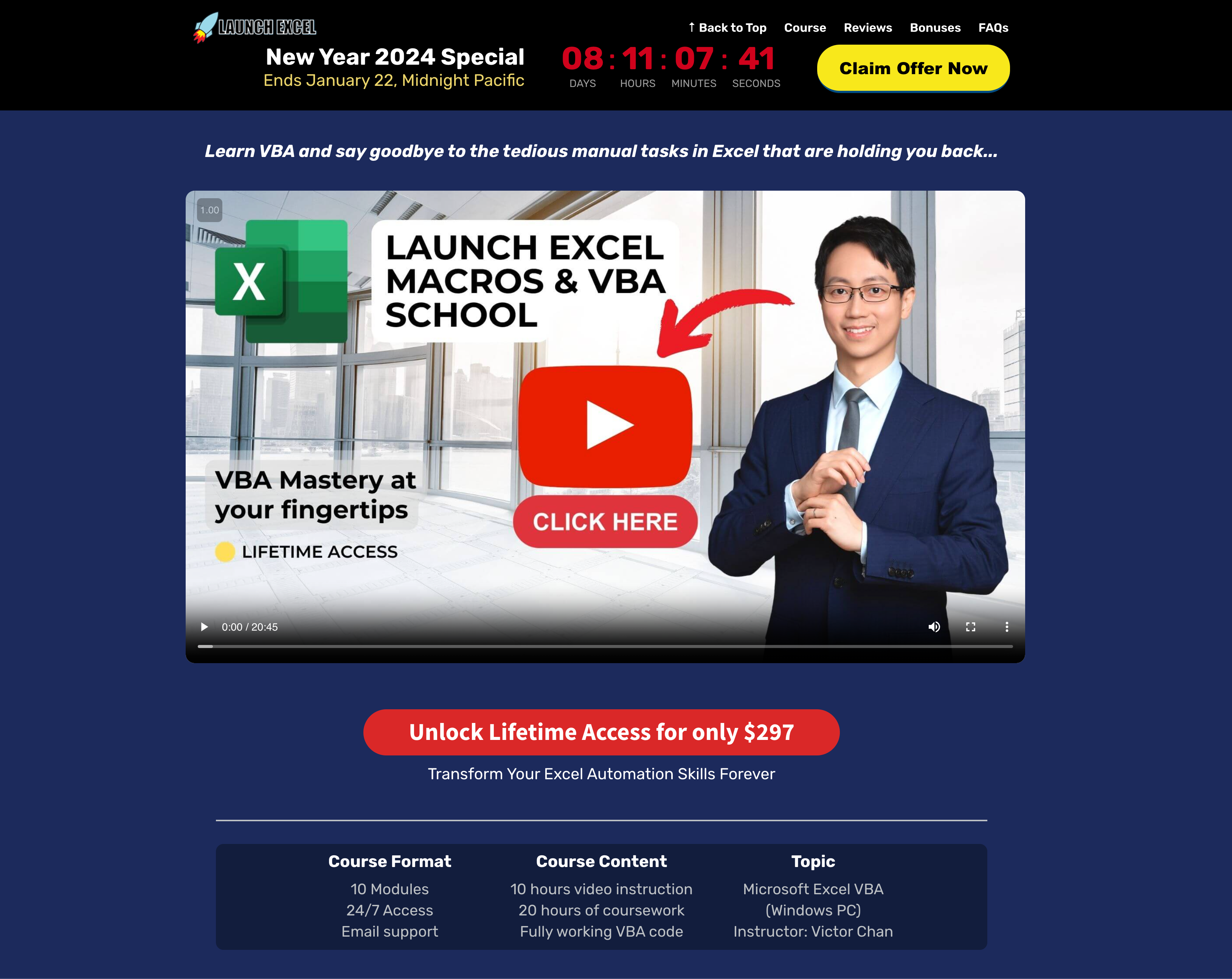
Ver B - Jan 2024 Sales Page (Light)
6. Setting up your links
Step 1: Find Your Affiliate ID
Log into Systeme.io.
Go to "Dashboard" then "Affiliate Dashboard".
Your affiliate ID is on the right.
Step 2: Set Up Your Link(s)
Here is the sales page link.
https://shop.launchexcel.com/excel-macros-and-vba-school-premium-partner
Add your affiliate ID to the end.
https://shop.launchexcel.com/excel-macros-and-vba-school-premium-partner/?sa={affiliate_id}
Let's say your affilaite id is sa004371dbe49394103bea587. Make sure there are no spaces and no parentheses. This is your link.
https://shop.launchexcel.com/excel-macros-and-vba-school-premium-partner/?sa=sa004371dbe49394103bea587
Step 3: Track Traffic Sources (Optional)
Do you want to track traffic sources?
You might promote on different channels like email, Facebook, YouTube, and TikTok. You can track where your leads come from. Read this article to find out how.
https://help.systeme.io/article/1508-how-to-tag-an-affiliate-link
7. Student Testimonials
Our students have gained skills that make a real difference. You can read what they say below.


8. Course Banners
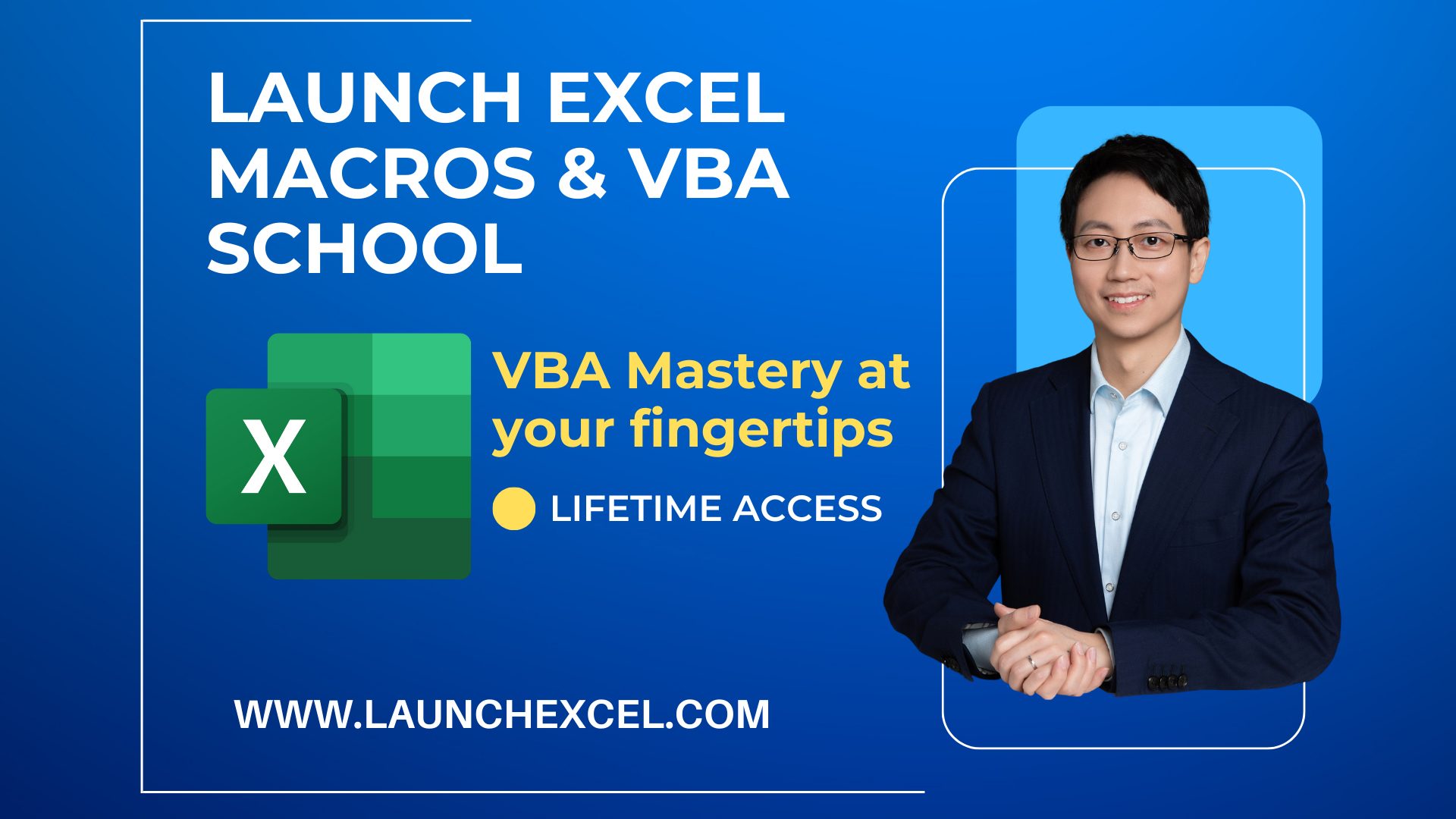
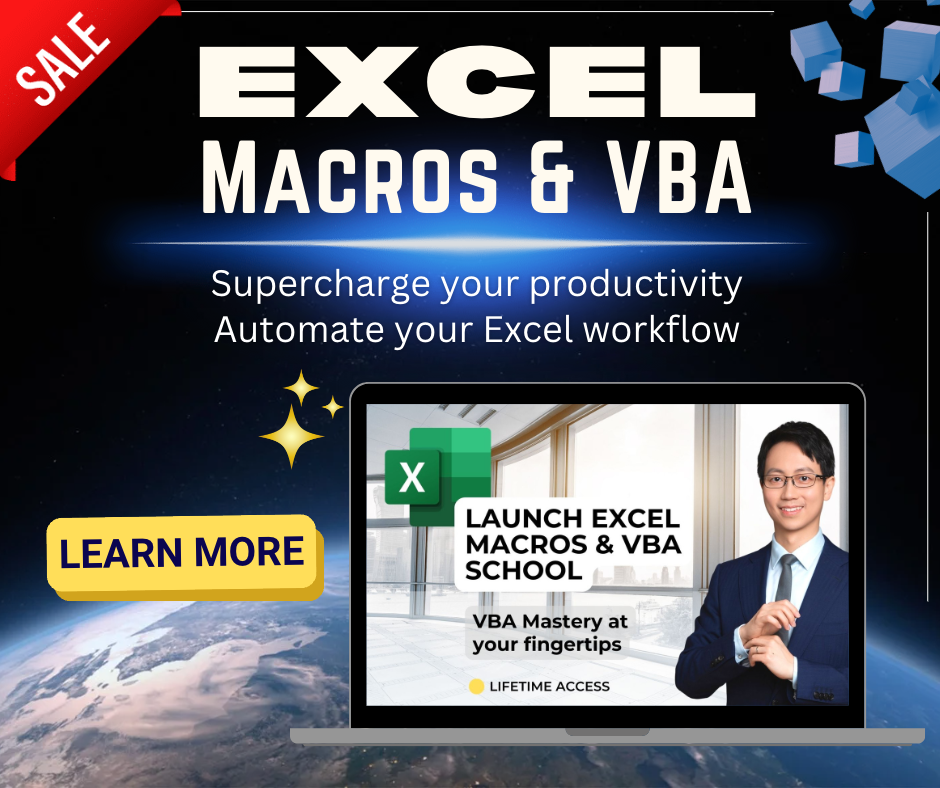
Download ZIP file with all images:
Banners 1920 x 1080 px


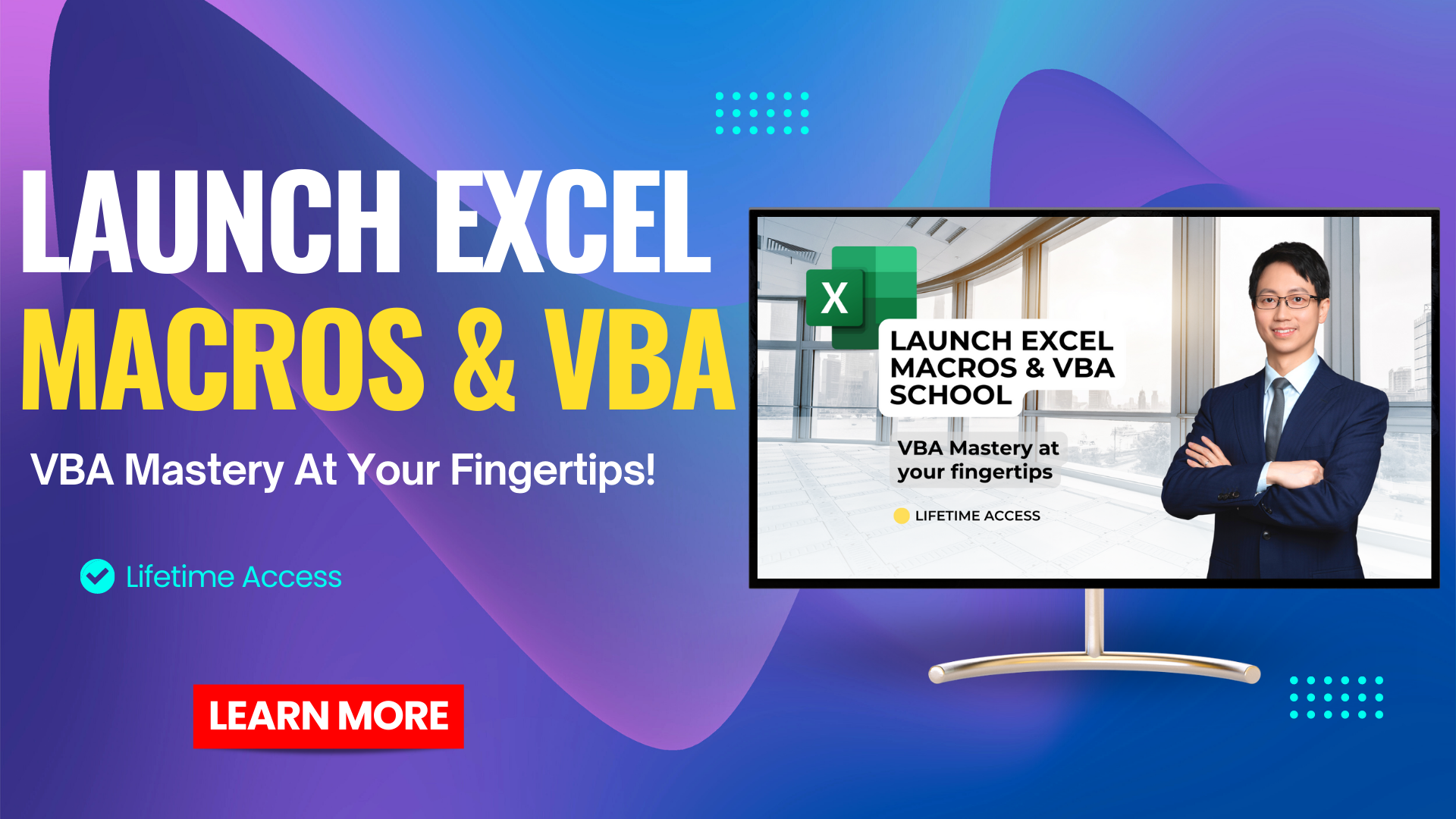
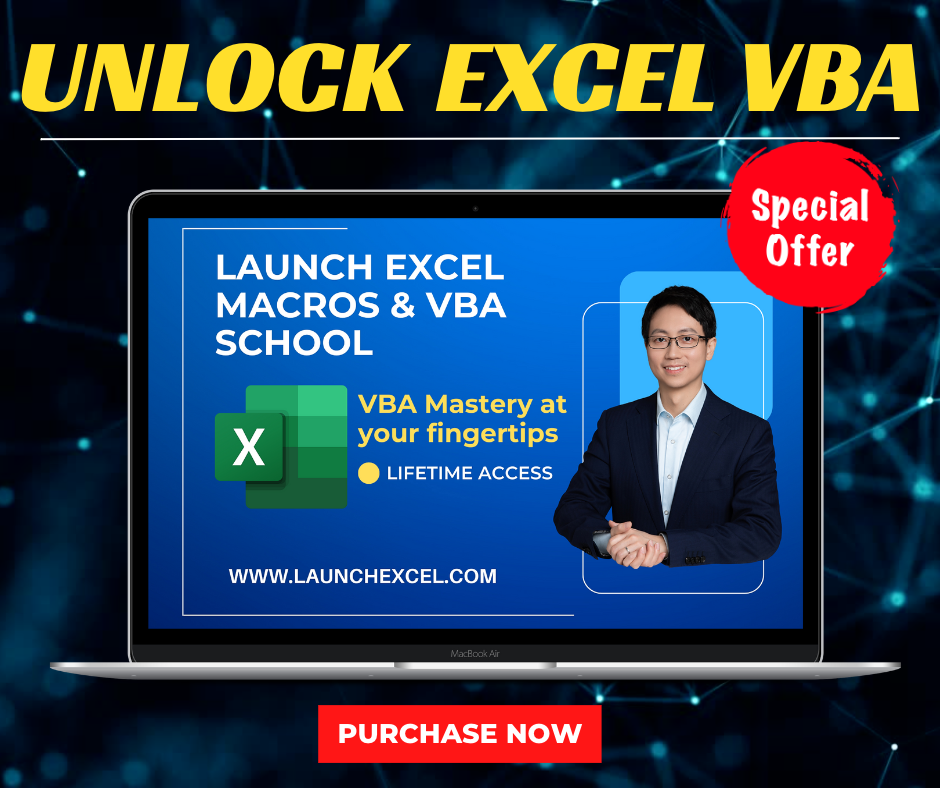
Banners 940 x 788 px




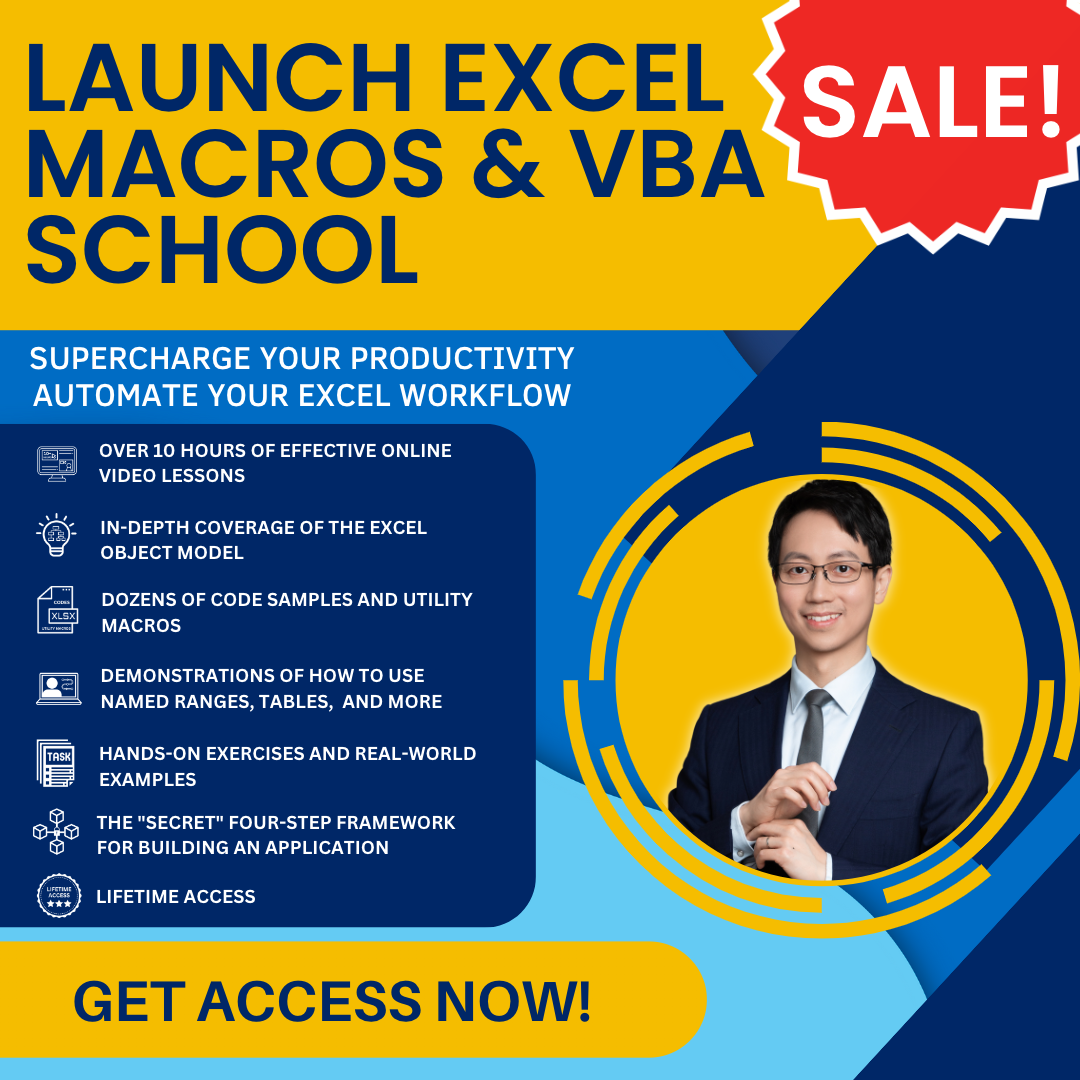
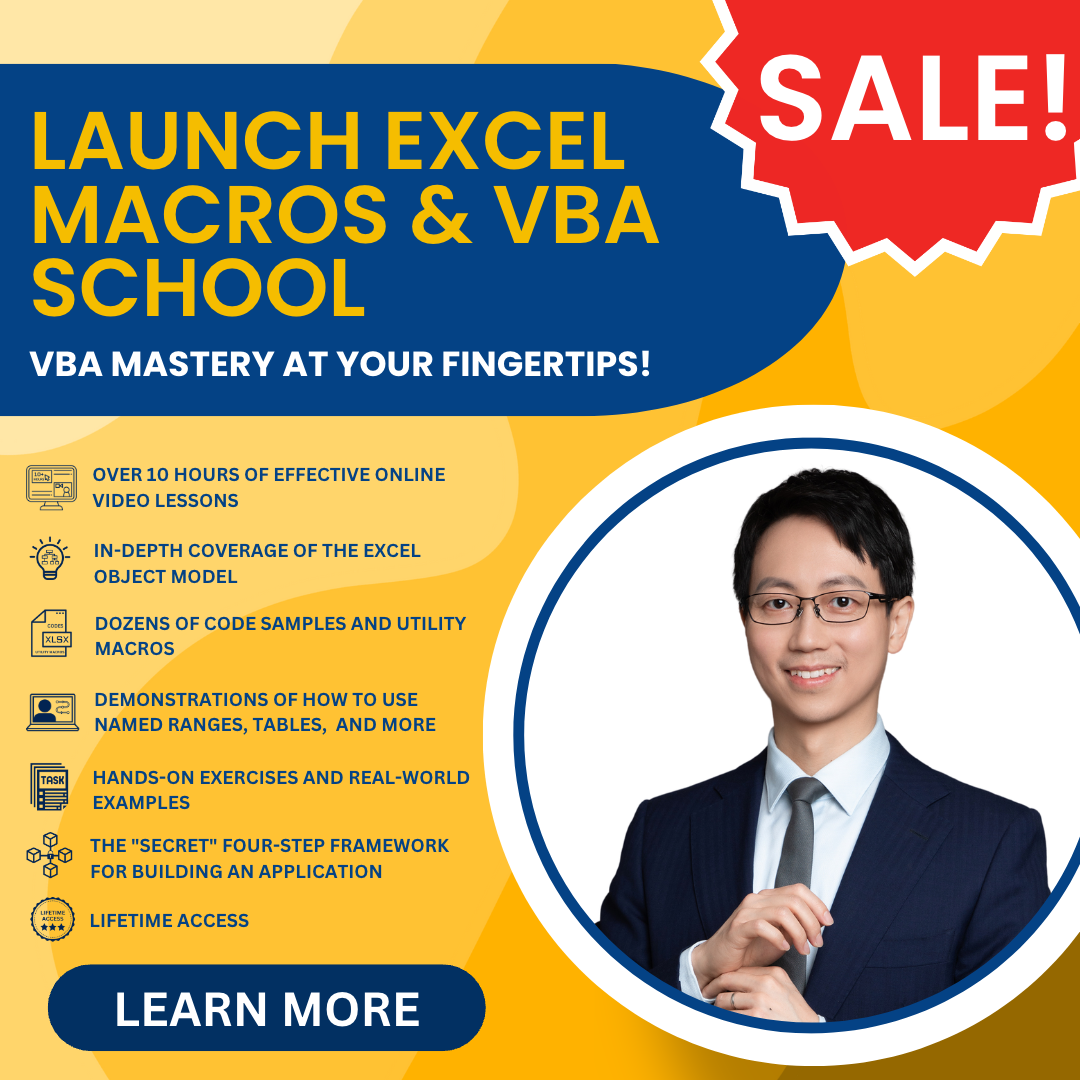
Banners 1080 x 1080 px
9. FAQs
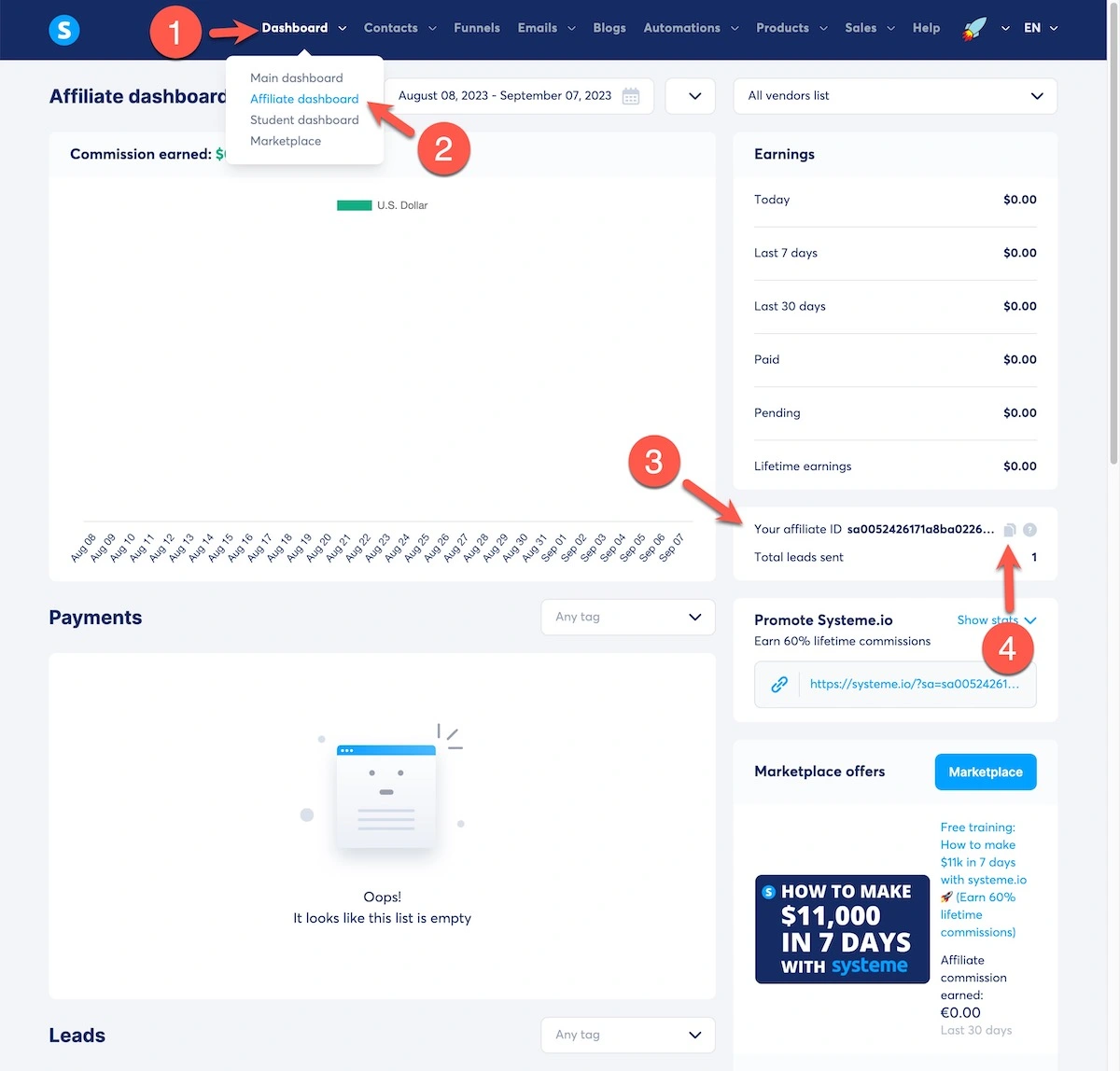
Log into your Systeme.io account (Link: https://systeme.io/dashboard)
Then follow these steps:
1. In the menu bar, click on "Dashboard" to reveal the dropdown menu
2. Click on "Affiliate dashboard" to go to your affiliate area
3. On the right-hand side of the screen, under Earnings, you'll find your affiliate ID
4. Click on the copy icon to get it into the clipboard
Does it rely on a cookie, an IP address, or both?
We use a platform called Systeme.io to host our courses, power the website, and send emails. It also handles the affiliate program.
Systeme.io set up an affiliate system for people to promote their own platform, and use the same tracking for customers of Systeme.io who set up their own affiliate program like us with Launch Excel.
You can find their affiliate marketplacehere. This lists all open offers and affiliate programs that use Systeme.io.
To read their help page explaining how their affiliate platform works, click here.
Here is a summary of the help page:
- It operates a last-cookie system, meaning it's the last affiliate link the customer clicked on that will receive the benefit.
- It is a lifetime affiliation. The contacts you send are marked in the database with your affiliate ID, so even if they don't buy anything until 6 months or a year later, you will still earn commissions on their purchases.
- Affiliate ID is added to a referral's email address. Systeme.io thinks this is more effective than using cookies.
If I send a lead who clicks on the course page today but doesn’t buy for another 3 months, do I get a commission?
Systeme.io marks any lead as your referral if they opt-in through your link.
It's different from a cookie-based system. They don't track visitors (clicks on your link) unless they have opted into a signup form, or order form, after clicking on a link with your affiliate ID.
That's why it's vital for you to use your affiliate ID in all links you send.
Once a customer has opted in by email, they become your referral for life.
When they buy any further products in the affiliate program, you earn an affiliate commission.
Log into Systeme.io. Click on Dashboard. Then select Affiliate Dashboard.
This shows you all the leads who opted in via email. It also shows your commissions.
Currently, Systeme.io does not show a count of visitors who have clicked on your affiliate links. It only shows people who have signed up via email.
I have submitted a feature request to their roadmap, so I hope this feature becomes available in the future.
I notice that my Affiliate ID does not show on a sales page URL.
Why is that? And does that mean I don't get the referral?
This can happen when we run A/B split testing.
We often test the sales page using two versions (ver A and ver B). We then track conversion rates to optimize our designs.
Sometimes there is a quirk with the course platform. When this happens, your affiliate ID does not appear on one of the A/B pages.
This affects the URL in Chrome but not on Edge.
But, as long as a lead clicks on a link with your affiliate ID, they are saved as yours.
So you will still get any purchase they make. Even though the URL in the address bar doesn't show your affiliate ID.
Using the A/B split test does not interfere with affiliate tracking, but it may affect the visible URL.
© Launch Excel Affiliates